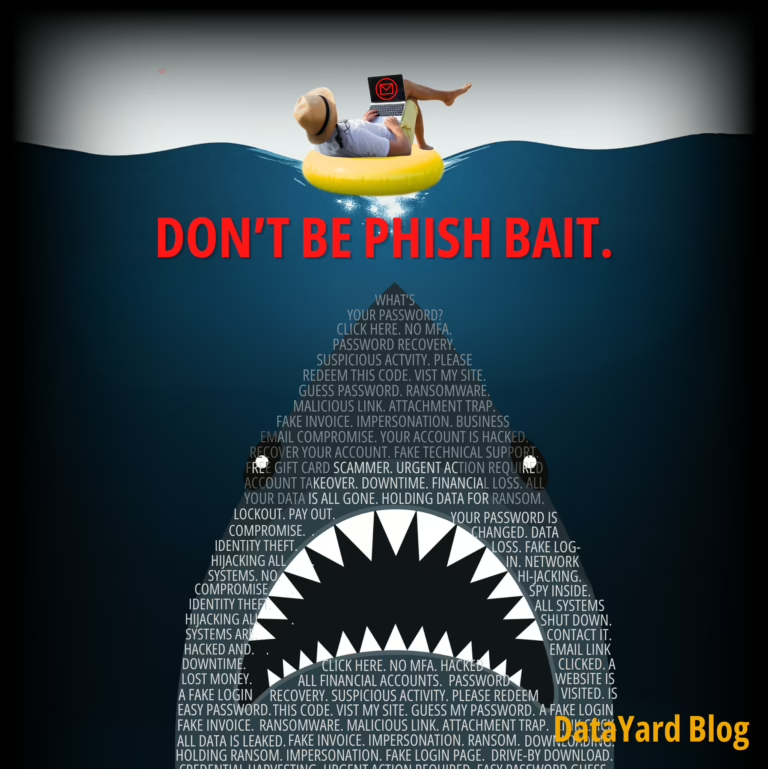
Phishing Email Risks & How to Protect Against Them
Phishing remains one of the most dangerous cyber threats facing
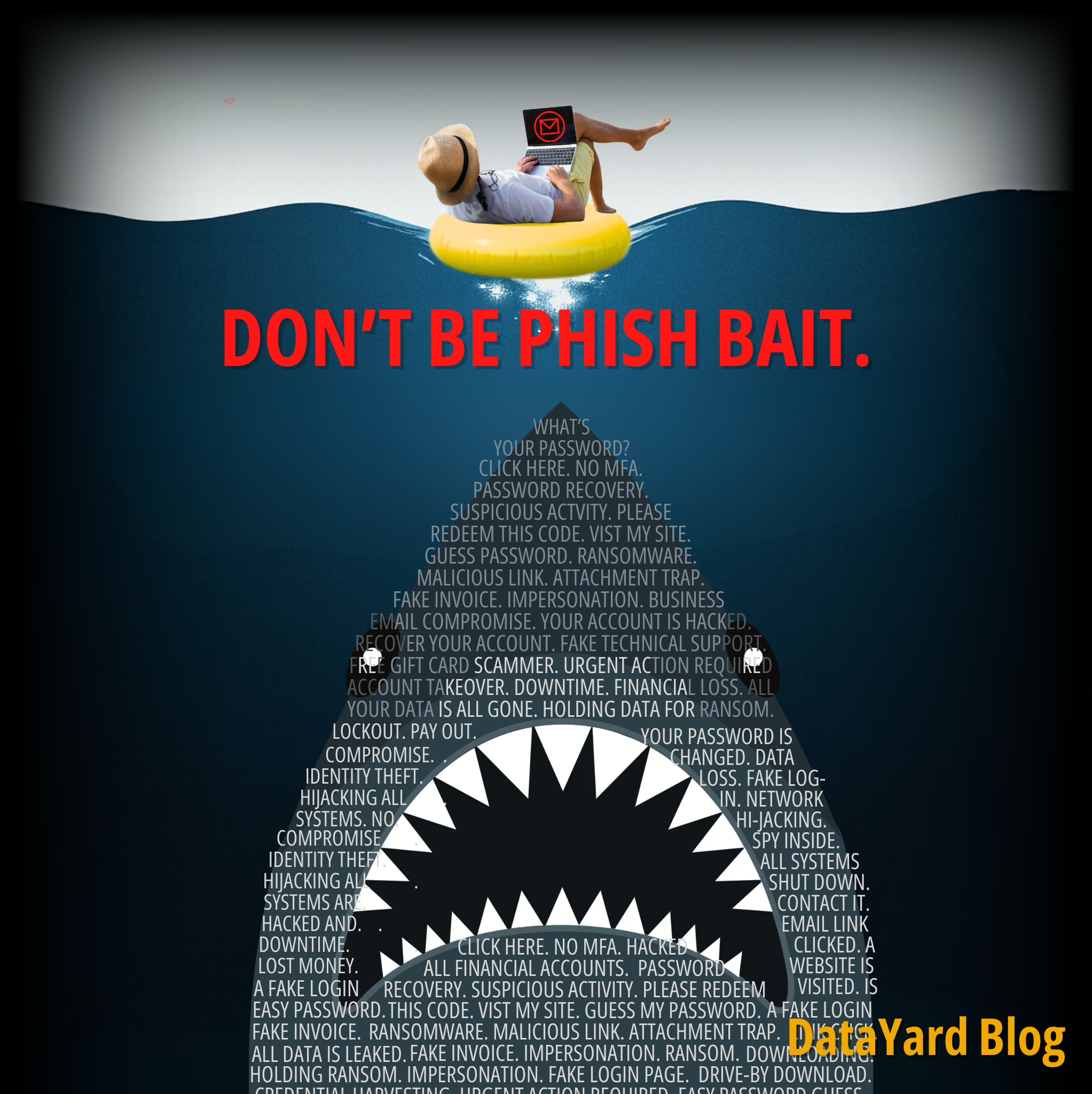
A phishing email is a deceptive message crafted to trick recipients into revealing personal or confidential information — such as login credentials, bank account details, or access to internal systems — by impersonating a trusted individual or organization. These emails often link to fake websites or include malicious attachments designed to steal information or deploy malware.
Microsoft defines phishing simply:
“A criminal pretends to be a trusted person or company… and usually asks you to click a link, download an attachment, or provide personal details in an effort to steal valuable information.” (Microsoft, n.d.-b)
Phishing messages frequently impersonate brands or individuals by using similar looking logos, email addresses, and login pages. For instance, replacing “o” with a zero to send from micr0soft.com instead of microsoft.com. That single character can be the difference between business as usual and business interrupted.
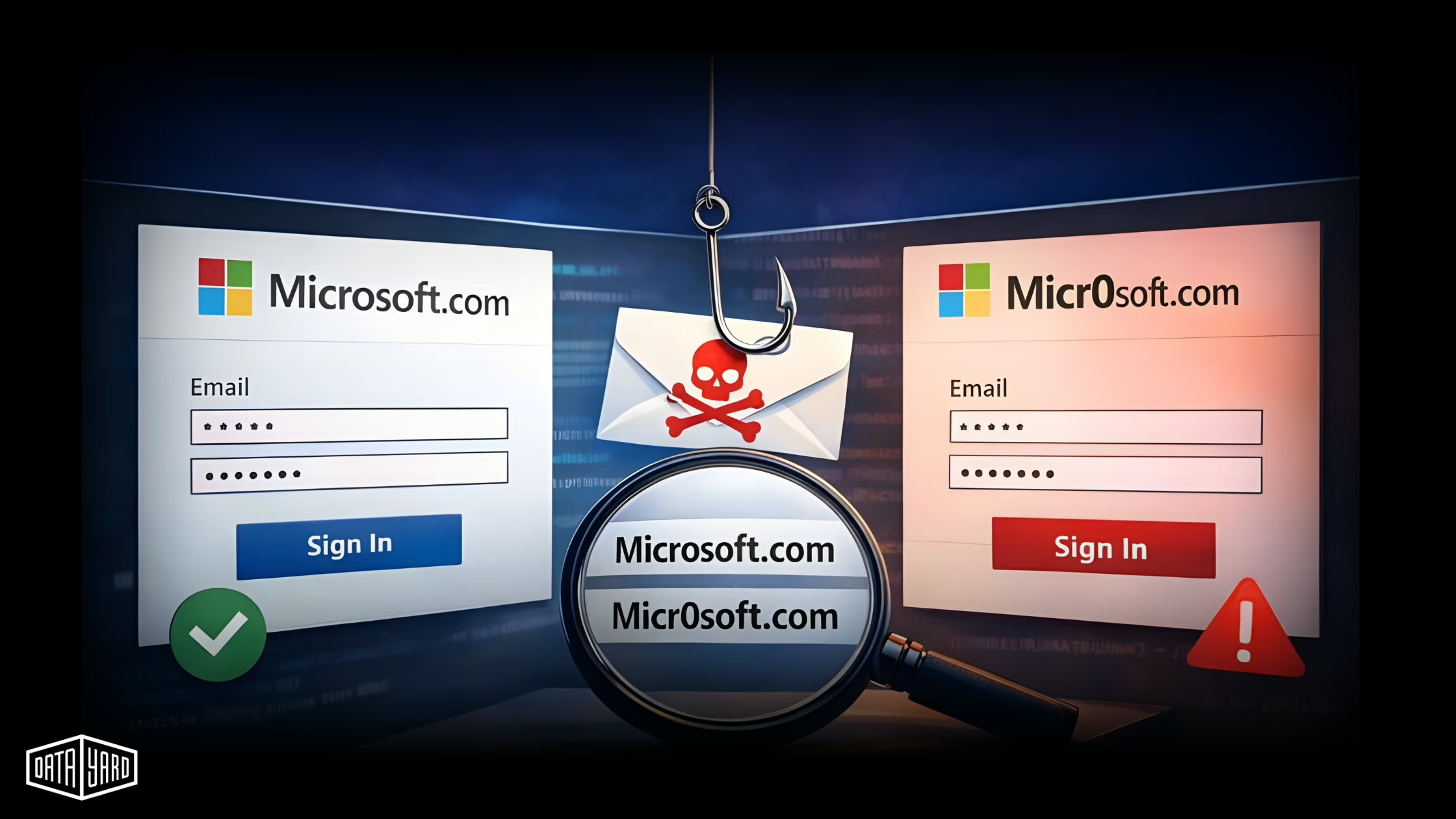
Phishing continues to dominate as the most effective and most frequently used method of launching cyberattacks. Why? Because it targets people, not just systems. Even companies with robust technical defenses are still vulnerable to a well-crafted phishing attempt that convinces an employee to click or respond.
As Kevin Underhill at eSecurity Planet puts it:
“Once an attacker breaches a personal account, they can pivot to corporate systems through synced passwords or shared devices.” (Underhill, 2025)
Here are key trends you need to know:
For businesses, the takeaway is clear: even if your technology stack is solid, phishing can bypass it with one convincing message to you or an employee. When it does, the cost can be significant — lost data, wire fraud, ransomware, or downtime.
Phishing emails may look more convincing than ever, but most still rely on the same basic tricks. Even as scammers adopt AI and more sophisticated designs, there are still common red flags that give them away — if you know what to look for. Whether you’re scanning your inbox or training your team, spotting these cues early can make the difference between staying secure and falling into a trap.
Here’s what to look for, according to Microsoft:
Always inspect links by hovering before clicking, and if anything seems off, verify the message using a trusted contact method — not by replying to the email. Many organizations now provide a “report phishing” button — use it when in doubt (Microsoft., n.d.-b).
Phishing comes in several forms. Training your team to recognize these tactics is a major step toward preventing breaches.
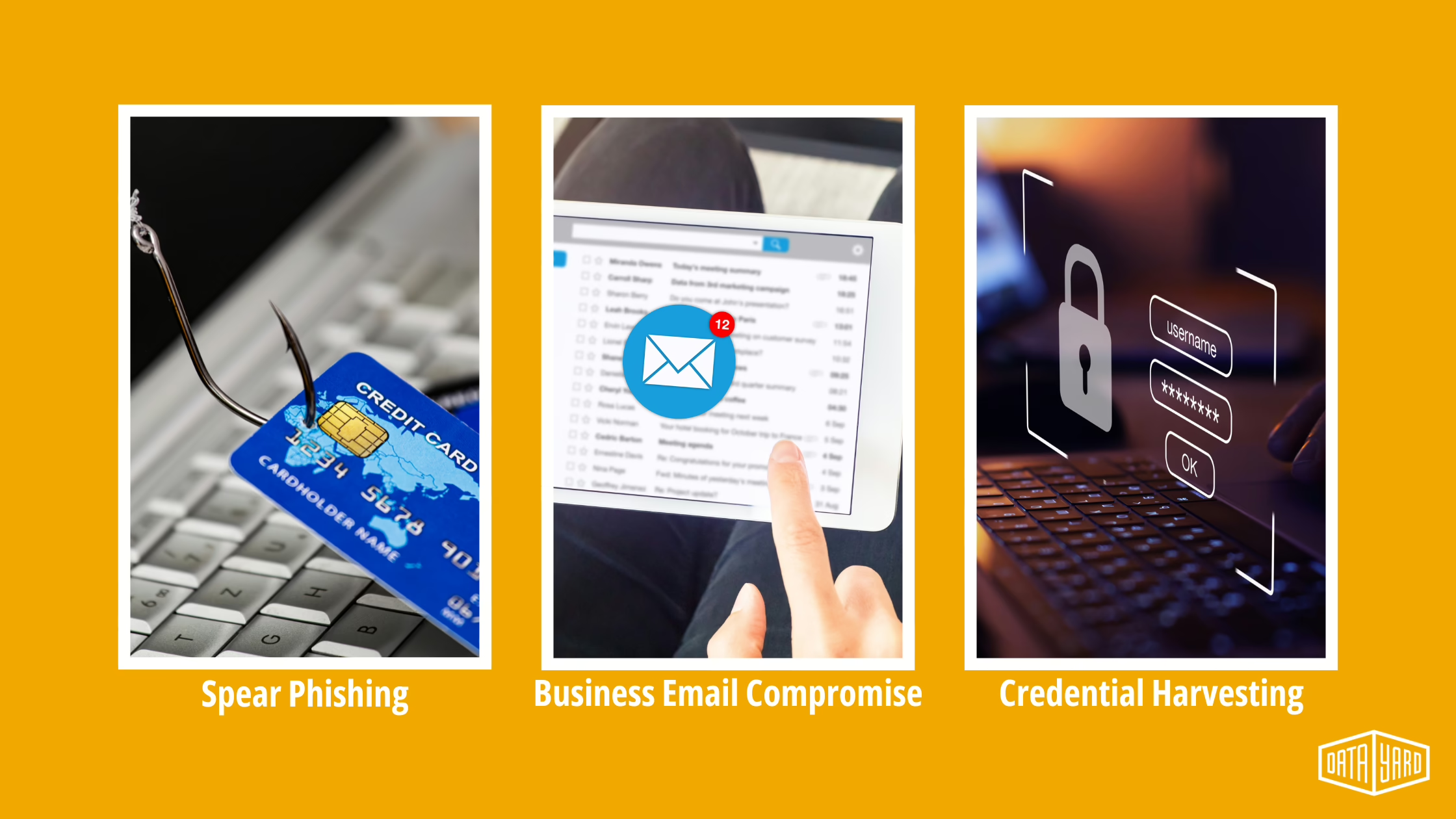
Targeted emails that impersonate someone the recipient knows (a manager, partner, or vendor).
Example of Spear Phishing: A message from your “CFO” requesting an urgent wire transfer. Always verify payment requests via a second channel — like a phone call to their known number or a face-to-face conversation.
Fraudulent messages that appear to come from trusted vendors, customers, or leadership.
Example of BEC: An invoice from a vendor with new bank account details. Before transferring funds, confirm the request with a known contact.
Links to fake login pages (often Microsoft 365 or Google) that collect usernames and passwords.
Example Credential Harvesting: A “security alert” with a link to a login page that looks real — until you check the URL. Go to the site directly instead of clicking the included links
Here’s what to do if you receive a suspicious phishing email:
If you clicked a link or submitted information on a suspicious site, don’t panic, but act fast.
No single tool can block every phishing attack. A layered approach — combining technology, training, and response — is the most effective way to reduce risk.
Even if credentials are stolen, MFA can help prevent many account takeovers, by only allowing access after providing a single-use code that’s been delivered to another device (cell phone, physical token, etc).
Best practices: Require MFA for any and all logins that support it, and favor app-based tokens over SMS when possible.
EDR identifies threats that slip past email filters. It can detect some post-click behaviors (like malware), help isolate infected endpoints (laptops, computers, and/or servers), and provide forensic details.
At DataYard, we partner with Huntress to deliver EDR that adds another critical layer of defense — especially for businesses that need real-time visibility and automated security response without building a full in-house security team.
People are the final line of defense. Training should be regular and realistic.
Simulate phishing campaigns, teach how to report suspicious messages, and reinforce verification processes — especially for financial and account-change requests.
Every company should have a documented response plan that includes:
Regularly test the plan with tabletop exercises to ensure clarity under pressure.
Use these to evaluate your current posture:
Even if your answers aren’t perfect today, asking the right questions is how you get ahead of tomorrow’s risks. These conversations help reveal where your defenses are solid—and where there’s room to tighten things up. If you’re unsure about what’s covered (or not) in your current setup, our team is happy to help flag blind spots with a free RISE Foundations Assessment. No pressure, just insight.
Let’s make security one less thing you have to worry about.
Phishing email attacks remain one of the most successful and preventable ways cybercriminals breach business systems. As threats grow more sophisticated with AI and social engineering, prevention alone isn’t enough.
A layered defense strategy –– EDR, MFA, user training, filtering, and rapid response — can reduce the impact of human error and prevent one message from becoming a million-dollar mistake.
Start with a free RISE Foundations Assessment from DataYard to uncover your phishing exposure, endpoint gaps, and MFA weaknesses.
✅ 30-minute discovery call
✅ Custom security snapshot: phishing risk, EDR coverage, MFA status
✅ Roadmap with prioritized steps to reduce your threat window
No sales pressure. Just clear next steps to improve your resilience.
📅 Book Your Free Assessment
📞 Or call: 937-226-6896
📩 Email: [email protected]
Phishing remains one of the most dangerous cyber threats facing
Scalable cloud services let your business flex during traffic spikes

On November 18, 2025, the Cloudflare Outage disrupted websites and