
Secure Credit Union Website Hosting That Just Works
Credit unions and other financial institutions are facing growing pressure

When budget resets in January and leadership demands savings, cloud cost optimization can often jump to the top of the priority list. Yet, cutting spend without a plan can backfire — slowing apps, degrading reliability, and potentially costing your business more money in the long run.

This playbook gives FinOps, platform, and engineering leaders a performance-first framework for reducing cloud spend, without trading speed or stability to save a few bucks.
Cloud cost optimization isn’t just about trimming the bill; it’s about building a sustainable strategy that balances cost, performance, and reliability. At its core, it’s a repeatable process: pay only for what you need, make sure you’re actually using what you pay for, and maintain consistent performance as you reduce spend.
The most effective optimization work typically falls into five key areas:
This approach fits neatly within the FinOps model, which emphasizes shared accountability between engineering, finance, and business teams to drive cloud value collaboratively (FinOps Foundation).
The biggest mistake teams make? Cutting things out of the cloud environment without real visibility.
When “optimization” starts with slashing resources before understanding usage, the result is often degraded performance, instability, and reactive firefighting.
So how do you turn that mindset into action? Start with visibility and follow a clear, repeatable sequence that builds cost efficiency without sacrificing performance.
This step-by-step plan helps teams reduce cloud spend without compromising reliability. Each stage builds on the last — starting with visibility and moving through waste cleanup, right-sizing, smart commitments, storage tiering, and governance — to create a sustainable, performance-first approach to cost optimization.

The fastest way to waste time is by optimizing blindly. Before you adjust resources, get a clean picture of where your cloud costs are going and why, because visibility is the foundation of effective cost management.
Start by answering three practical questions that guide prioritization:
Which services drive the top ~80% of spend (compute, storage, managed DB, networking)?
Which workloads hold steady vs. spiking up and down?
Which costs are tied to business outcomes (revenue-generating or customer-facing services that need stronger guardrails)?
This is where tagging and cost allocation earn their keep. If you can’t answer “Who owns this?” and “What does this support?” you’ll likely struggle to prioritize and could miss straightforward savings. AWS’s cost allocation tags are a good example of how providers expect teams to categorize and track spend. (AWS Documentation)
A simple, effective set of tags to enforce going forward include: environment (prod/stage/dev), application or service name, owner (team or person), and department/cost center.
Practical steps for Week 1 visibility:
Export your last 30–90 days of billing and usage from your cloud provider (AWS/Azure/GCP) or your FinOps tool.
Identify the top 5 services by spend and map them to their owners using tags or a short manual inventory.
Create a simple allocation view (service, cost, owner, business impact) so managers can prioritize actions.
Waste reduction is the lowest-risk, highest-velocity part of cloud cost optimization. Target items that don’t affect the production user experience first to get immediate cost savings and gain momentum.
Common safe targets and quick checks:
This work reduces cloud costs without touching customer-facing systems. To make it easily repeatable, set a monthly hygiene window and treat waste cleanup like patching: inventory, act, and verify.
Right-sizing is often where teams can accidentally break things, and is also where the biggest sustainable cost optimization wins usually live. The aim is to match capacity to real usage, not to shrink resources indiscriminately.
A safe and repeatable right-sizing playbook for 2026:
Pull 30–90 days of utilization data. For spiky or seasonal workloads, extend the window to capture representative peaks.
Identify consistently underutilized resources and focus on the biggest cost drivers first.
Reduce in small steps and watch key metrics (going one size or tier at a time).
Roll back quickly if performance degrades, using explicit thresholds tied to user experience (for example, latency or error rate).
Performance guardrails keep you safe. Before any change, document what “healthy” looks like for the workload, such as 95th-percentile response time, error rate, memory pressure, or queue depth, and tie your monitoring alerts to those signals.
Suggested metric rule of thumb (example): if average CPU < 20% and 95th-percentile CPU < 40% over 60 days, consider moving to one instance size down, then validate against user-facing latency before making the change permanent.
After you’ve removed waste and right-sized, the next step is to consider reserved capacity and savings plans, which let you convert predictable usage into lasting cost savings. These pricing options reduce your cloud spending for steady workloads, but only if you commit to what you actually need.

A simple reliability decision flow:
Naming conventions vary by provider, and each cloud handles reservations a bit differently:
Why teams get this wrong: Reserving too early or on inaccurate baselines may lock in cost for capacity you don’t need.
Best practice: Measure usage after waste removal and right-sizing. Then commit to that level with confidence.
Having trouble with any of these steps? Our team can help – reach out here.
After you’ve removed waste and right-sized, the next step is to consider reserved capacity and savings plans, which let you convert predictable usage into lasting cost savings. These pricing options reduce your cloud spending for steady workloads, but only if you commit to what you actually need.
A simple decision flow:
Storage Tiering: What to Know Before You Move Data
Storage often starts small, but tends to grow over time as snapshots, backups, and logs accumulate. Proper storage optimization helps reduce cloud costs, but never at the expense of recovery objectives.
Practical storage tiers align data to access patterns:
Before moving data, validate two things for each dataset: 1) you can restore within your RTO/RPO targets, and 2) you’re not paying premium rates for data that nobody touches.
Storage tiers may differ, but the same principles apply. Archive tiers often come with retrieval delays — for instance, Amazon S3 Glacier Deep Archive may take 12 hours or more to restore data, and Azure Archive rehydration speed varies by priority level. These tiers are great for meeting compliance requirements or storing infrequently accessed backups — but not for workloads with tight RTO/RPO needs. (AWS Glacier Storage Classes) (Azure Blob Rehydrate Overview)
Be mindful of data movement costs too: cross-region replication, frequent restores from cold tiers, and egress can add unexpected charges.
The best cloud cost optimization programs prevent waste from returning. Lightweight governance, meaning guardrails, rather than red tape, keeps your cloud cheaper and more predictable – without blocking fast teams.
Practical guardrails to enforce quickly:
Suggested cadence: audit tag compliance monthly, and review governance rules quarterly so policies stay current without slowing teams down.
Performance problems are expensive: outages, slow response times, and firefighting cost time, customer trust, and operational budget. Effective cloud cost optimization protects reliability because reliability is one of those business outcomes you’re paying to preserve.
Include reliability-focused practices in your optimization program: auto-scaling for legitimate spikes, monitoring tied to user experience, defined change windows for risky adjustments, and clear ownership and escalation paths.
A simple guardrail example: after a “right-size,” if 95th-percentile latency increases by >10% or error rate spikes by >5% within 24 hours, roll back to the previous size and notify the owner.

Remember: If cost-cutting causes instability, you didn’t optimize. You shifted cost from cloud spend to downtime, engineering time, and customer impact.
If you want a clean starting point this month, follow this short, ordered sequence. Each week has a concrete deliverable and owner, so progress is measurable and repeatable.
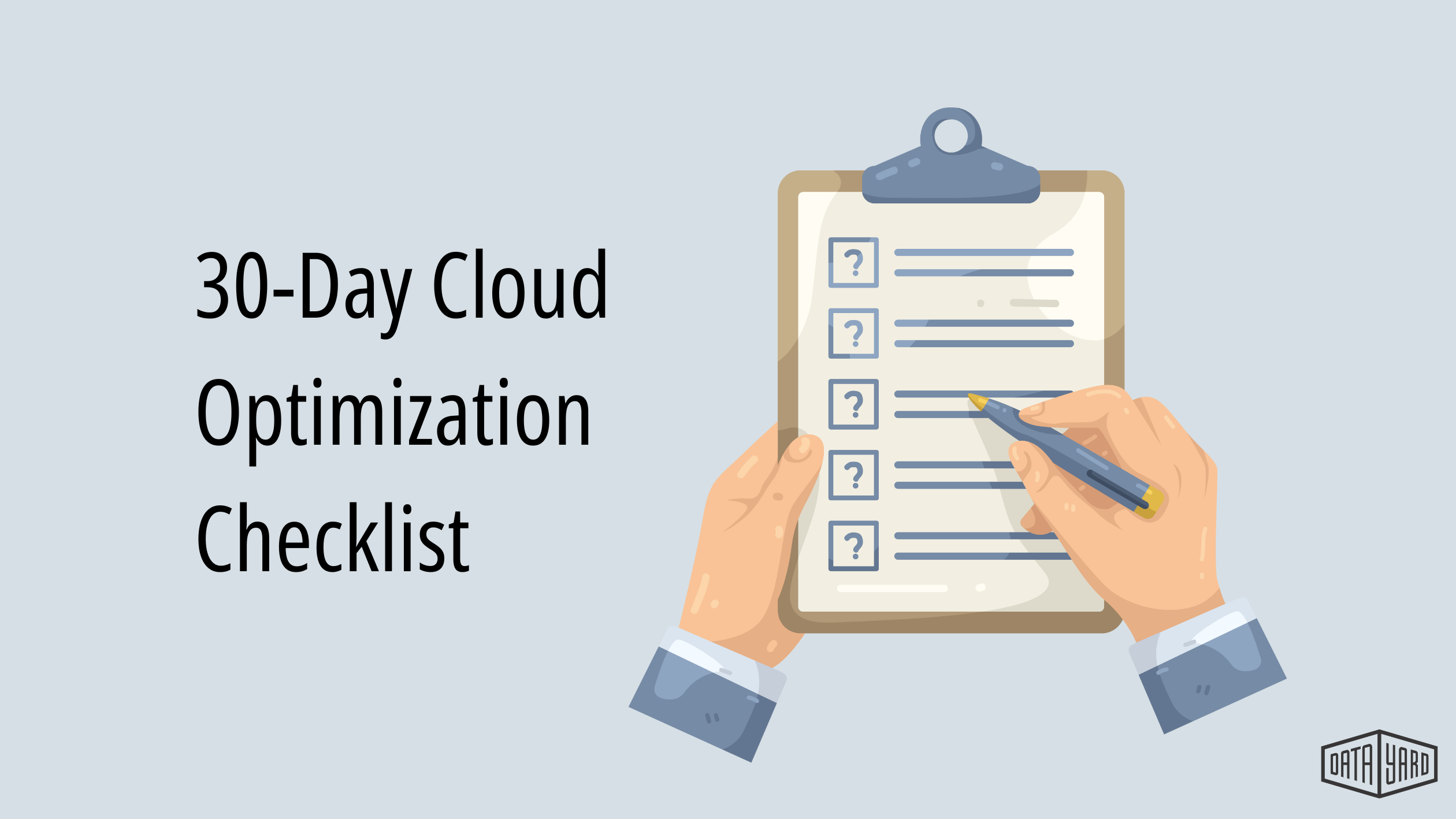
Here’s the Cloud Optimization Checklist:
Export 30–90 days of billing/usage, identify top services by cost, enforce core tags, and assign owners.
Remove idle, non-production resources, delete orphaned volumes/snapshots, reclaim unused network resources, and apply shutdown schedules.
Run utilization reports, target high-cost, underutilized resources, make staged downsizes, and validate everything with user-facing metrics.
After right-sizing, lock in savings for stable usage.. Refine storage tiering policies, set budgets and alerts, and put simple rules in place to keep sprawl from creeping back.
The teams that win at cloud cost optimization treat it like an operating rhythm, not a one-time project. You don’t need nonstop changes. You need consistent attention, clear ownership, and ongoing measurement that respects performance. When cost, performance, and reliability are managed together, the cloud becomes a predictable part of your business model, rather than a surprise line item.
Make this an operating rhythm by codifying three repeating practices: monthly hygiene, quarterly strategy review, and ongoing measurement that ties spend to ownership and user experience.
FinOps is built on collaboration and accountability. It’s an operating model designed to maximize cloud business value through shared ownership between engineering, finance, and business teams (FinOps Foundation).
Commitments should match real baselines. AWS Savings Plans, Azure Reservations, and Google Cloud CUDs all reward predictable usage, but they can backfire if you commit before right-sizing.
Storage savings depend on access patterns and recovery needs. Tiering works best when you understand the retrieval behavior, minimum storage duration, and rehydration timelines (AWS, Microsoft Learn, Google Cloud).
📅 Book a Cloud Assessment
📞 Or call: 937-226-6896
📩 Email: [email protected]
AWS Documentation: Amazon S3 storage classes overview — Official AWS documentation explaining S3 storage tiers/classes.
https://docs.aws.amazon.com/AmazonS3/latest/userguide/storage-class-intro.html
AWS: Cost allocation tags (Billing and Cost Management) — Official AWS docs on tagging for cost allocation and reporting.
https://docs.aws.amazon.com/awsaccountbilling/latest/aboutv2/cost-alloc-tags.html
AWS Documentation: Savings Plans (what they are and how they work) — Official AWS doc on flexible pricing plans covering compute usage.
https://docs.aws.amazon.com/savingsplans/latest/userguide/what-is-savings-plans.html
FinOps Foundation: What is FinOps? — FinOps Foundation intro to the FinOps operating model and principles.
https://www.finops.org/introduction/what-is-finops/
Google Cloud: Cloud Storage classes (Standard, Nearline, Coldline, Archive) — Official GCP resource on cloud storage class options.
https://cloud.google.com/storage/docs/storage-classes
Google Cloud: Committed use discounts (CUDs) — Official Google Cloud documentation on discounts for committed usage.
https://cloud.google.com/docs/cuds
Microsoft Learn: Azure Blob Storage access tiers — Official Microsoft Docs explaining Hot/Cool/Cold/Archive access tiers.
https://learn.microsoft.com/en-us/azure/storage/blobs/access-tiers-overview
Microsoft Learn: Azure Reserved VM Instances — Official Microsoft Docs on Azure VM reserved pricing options.
https://learn.microsoft.com/en-us/azure/virtual-machines/prepay-reserved-vm-instances
Microsoft Learn: Rehydrate blobs from the Archive tier — Official Microsoft Docs on rehydration process and behavior.
https://learn.microsoft.com/en-us/azure/storage/blobs/archive-rehydrate-overview
Credit unions and other financial institutions are facing growing pressure
Cloud cost optimization in 2026 isn’t just about cutting spend

Phishing remains one of the most dangerous cyber threats facing