In your web browser enter VPN server URL (ex: https://vpn.yourdomain.com)
Enter your AnyConnect Username and Password
Select Logon

If Java is not detected Select OK


Select the link Windows 7/Vista/64/XP

Click the downloaded file at the bottom of the screen

Select Run

Select Next

Select radio button for “I accept the terms in the License Agreement”
Select Next

Select Install

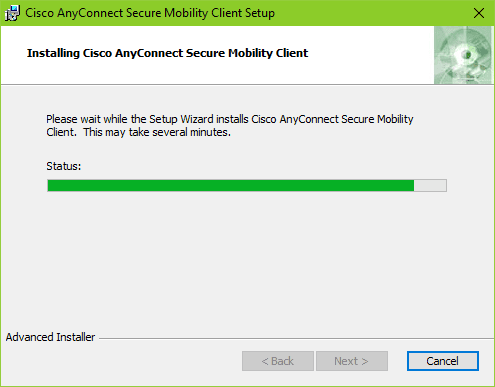
Select Finish

Go to the Start button in the bottom left corner of your PC
 or
or 
Select All Apps for Windows 10 or 8 or All Programs for Windows 7

Select Cisco AnyConnect Mobility Client

Enter VPN server URL (ex: https://vpn.yourdomain.com)
Select Connect

Enter AnyConnect Username and Password
Select OK