What Are Immutable Backups?
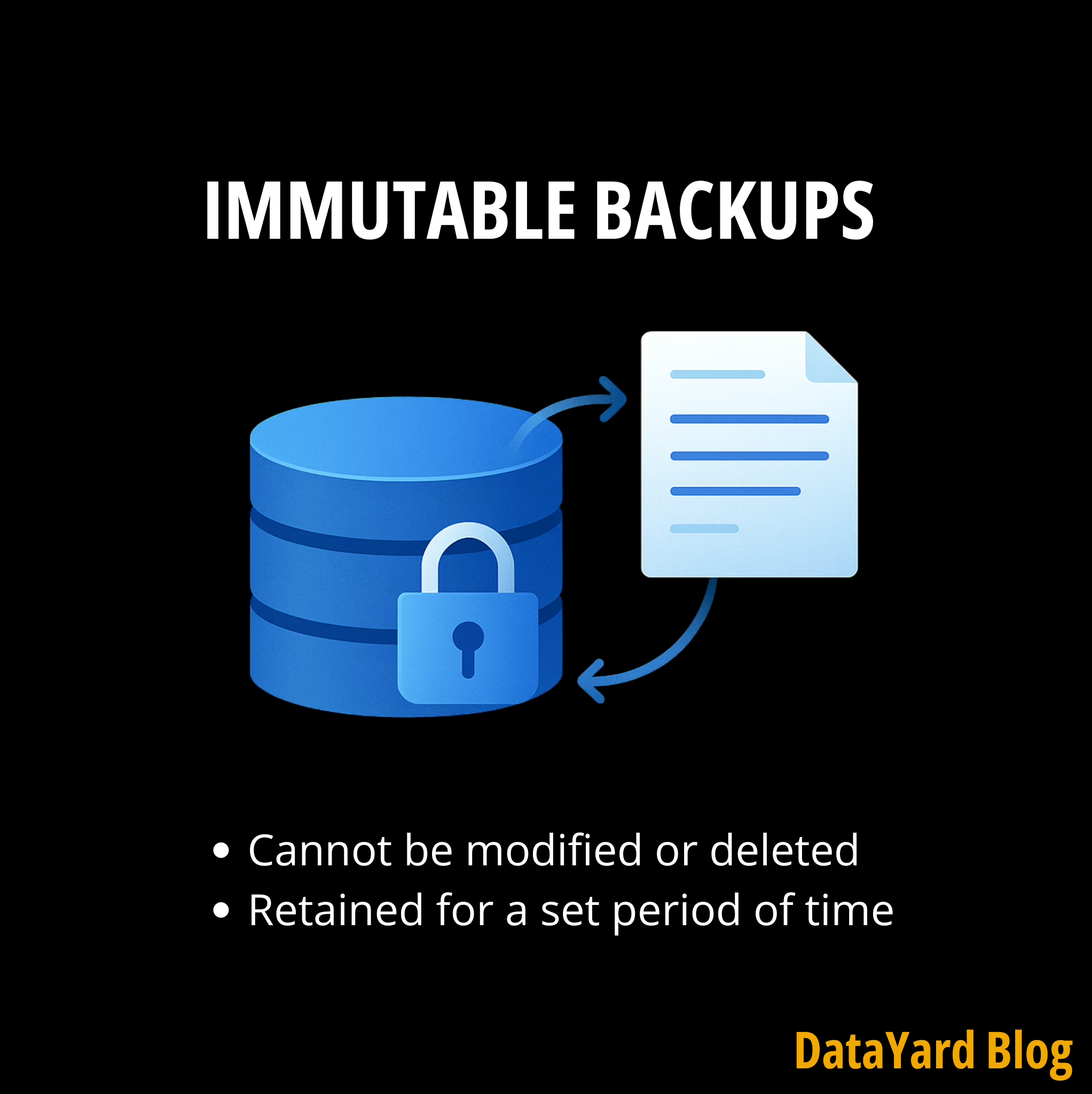
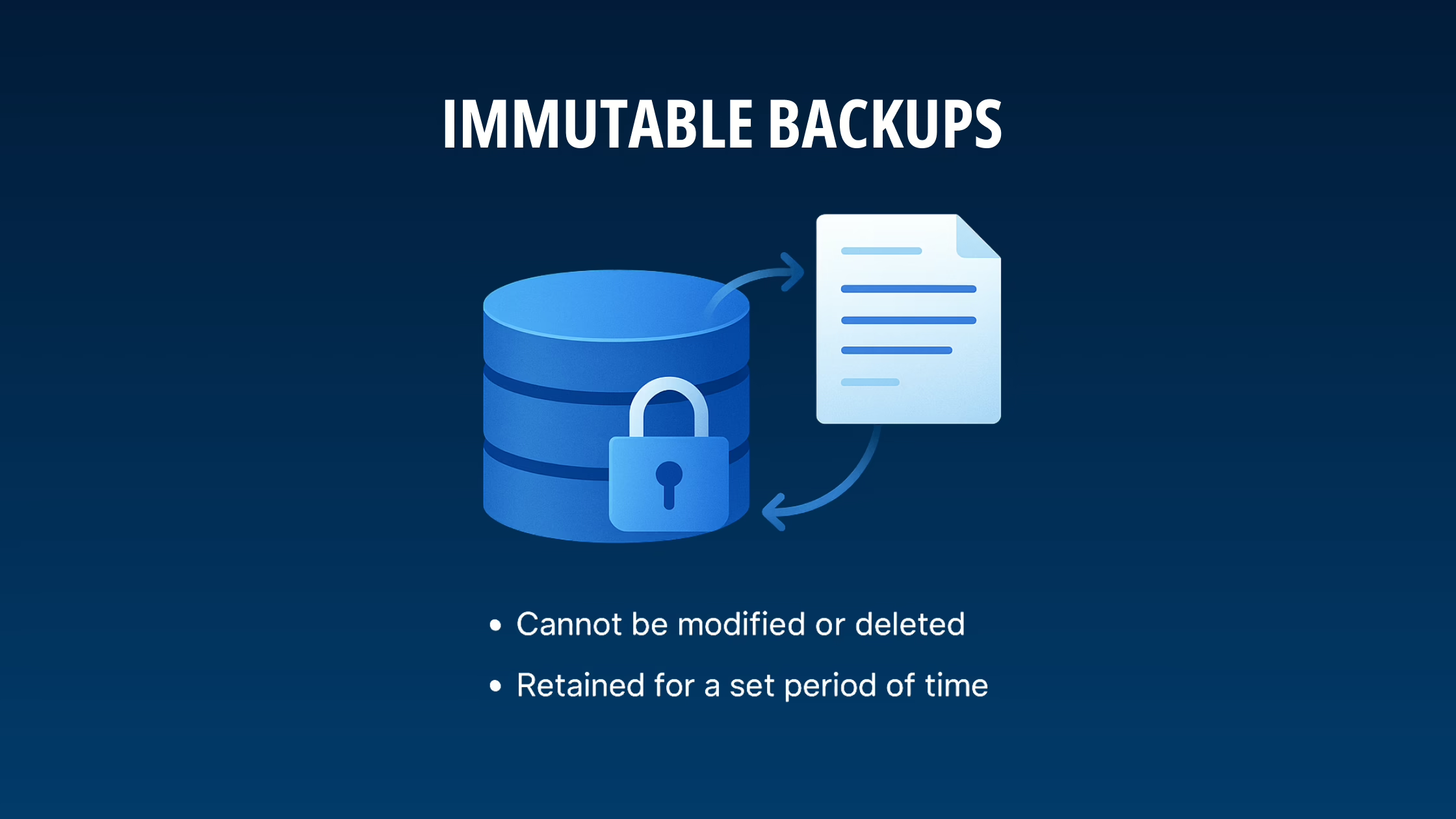
In the simplest terms, immutable backups are backups that cannot be altered, deleted, or overwritten once they’re created. The word “immutable” means “unchangeable.”
Unlike traditional backups, where files could be tampered with (either accidentally by an employee or intentionally by a cybercriminal), immutable backups are locked in a write-once, read-many (WORM) format. This ensures that once data is saved, it remains exactly as it was at that moment in time, ready to restore, but never to be rewritten or wiped.
Why Immutable Backups Matter
Here’s the reality: ransomware is still a successful cyber attack vector, and your backups are often the first target. If attackers gain access to your systems and manage to encrypt or delete your backups, you’re left with two options: pay the ransom or start from scratch. Neither is good for business. However, with immutable backups, your business-critical data remains locked, secured, and untouchable, even by someone with admin access.

Here’s why that matters for you:
- Protection in case of ransomware. Ransomware often prioritizes compromising backup files to eliminate your fallback plan. Immutable backups are designed to make this tactic ineffective. Once written, your data cannot be altered, deleted, or encrypted.
- Regulatory compliance. For industries with strict data retention rules (think finance and legal), immutable backups provide unalterable audit trails and guarantee data integrity for sensitive information.
- Human error protection. Even the best teams make mistakes. A single accidental deletion or overwrite doesn’t have to be catastrophic if you’ve got an unchangeable version of your data on standby.
- Reliable disaster recovery. Backups are only helpful if you can trust them. With immutability, you can have the confidence that your data is exactly how you left it and ready to restore when needed.
So how does this all work behind the scenes? By combining write-once, read-many (WORM) storage with strict retention locks, immutable backups ensure your data stays exactly as it was the moment it was captured. In the next section, we’ll break down how immutable backups work and why this approach is quickly becoming the gold standard for ransomware-proof recovery.
How Immutable Backups Work
Immutable backups are powered by a combination of write-once, read-many (WORM) technology and retention locks:
- Once written, data can’t be modified or deleted.
- Retention policies (e.g., 30 days, 1 year, etc.) ensure data remains protected for a set duration.
- After the retention period, the system can purge the data, but not before.
In practice, immutable backups act like a digital time capsule. No matter what happens to your live environment (whether it’s ransomware, hardware failure, or human error), your backup remains a clean, untouched version of your data, ready to restore when you need it.
The best part? This technology is flexible. It can be deployed across cloud environments, on-prem appliances, or hybrid backup solutions depending on your infrastructure. That means businesses of any size can tailor immutability to fit their existing IT strategy without overhauling everything.
Immutable Backups vs. Traditional Backups
So how do immutable backups actually stack up against traditional ones? Here’s a quick side-by-side breakdown to show why immutability is a game-changer in the fight against data loss and ransomware:
| Feature | Traditional Backups | Immutable Backups |
|---|---|---|
| Protected from being altered or deleted | No | Yes |
| Ransomware resistant | Vulnerable | Protected |
| Compliance-friendly | Limited | Meets WORM requirements |
| Recovery reliability | Questionable | Highly reliable |
The verdict is clear: if your backups can be changed or deleted, they’re not truly protecting your business. Immutable backups offer the consistency and resilience modern cybersecurity demands.
Why Your Business Should Care
Cybercrime isn’t slowing down; ransomware alone costs U.S. businesses millions every year. And the truth is: no firewall, antivirus, or password policy is 100% foolproof. That’s why businesses are turning to immutable backups as the last line of defense.
When your backups are designed to remain untouched and available, you’re protecting more than just data; you’re safeguarding your operations, revenue, reputation, and customer trust.
In fact, according to the 2025 Ransomware Trends and Proactive Strategies report, 89% of organizations have had their backup repositories targeted by attackers. As a result, more companies are adopting immutable backups as part of their cyber resilience strategies and best practices to stay ahead of evolving threats.
Final Thoughts
Choosing the right immutable backup solution is becoming one of the most effective ways businesses can strengthen their cybersecurity posture.
Immutable backups aren’t a “nice-to-have.” They’re becoming an essential part of any modern cybersecurity strategy, alongside multi-factor authentication (MFA), endpoint detection and response (EDR), and proactive patching. If your current backup solution doesn’t include immutability, it’s time to reevaluate. The cost of not having it could be far greater than the investment to implement it.
Every organization’s environment is different, which is why exploring your unique gaps is key. To help, we offer a complimentary consultation.
Complimentary Cloud Cybersecurity Consultation
Sit down with a DataYard cybersecurity specialist to evaluate your security strategy, so you can close gaps, reduce risk, and keep your business safe from evolving threats.
Ready to see how immutable backups can protect your business from ransomware and data loss?
Disclaimer: This blog is for informational purposes only and does not constitute legal, compliance, or security advice. Businesses should consult with IT and compliance teams to determine the best backup and security strategies for their unique environment.