Why Cloud Budget Planning Starts With Workloads, Not a Price List
In many organizations, cloud budget planning looks like this: pull last year's invoices, add a percentage increase for growth, and submit it. It's fast, but it's usually not thorough enough.
The problem is that invoices describe what you paid for, not what you're overpaying for or what was actually needed. A server that was spun up for a project two years ago could still be running unnecessarily. A backup job may still be written to storage nobody restores from. A public cloud instance sized for a launch might still be sized for that launch. None of that shows up as a line item labeled "waste."
Managing cloud spend remains a challenge for many organizations, especially now, with AI involved. Flexera's 2026 State of the Cloud Report points to a business's growing cloud-based AI workloads as being a big contributor to increased wasted cloud spend.
So, the first step is not looking at a spreadsheet of today's prices. It's gathering a list of what you're actually running, what each workload does for the business, how its demand behaves, and what it would cost you if it went down.
What Belongs in a Cloud Budget?
Compute and storage may be the first things that come to mind when you think about a cloud budget, but they are only one part of the picture.
Backups, licensing, security, monitoring, support, and the time it takes to maintain your environment all have a cost. Some show up clearly on an invoice. Others are easier to overlook because they are wrapped into another service, handled internally, or put off until later.
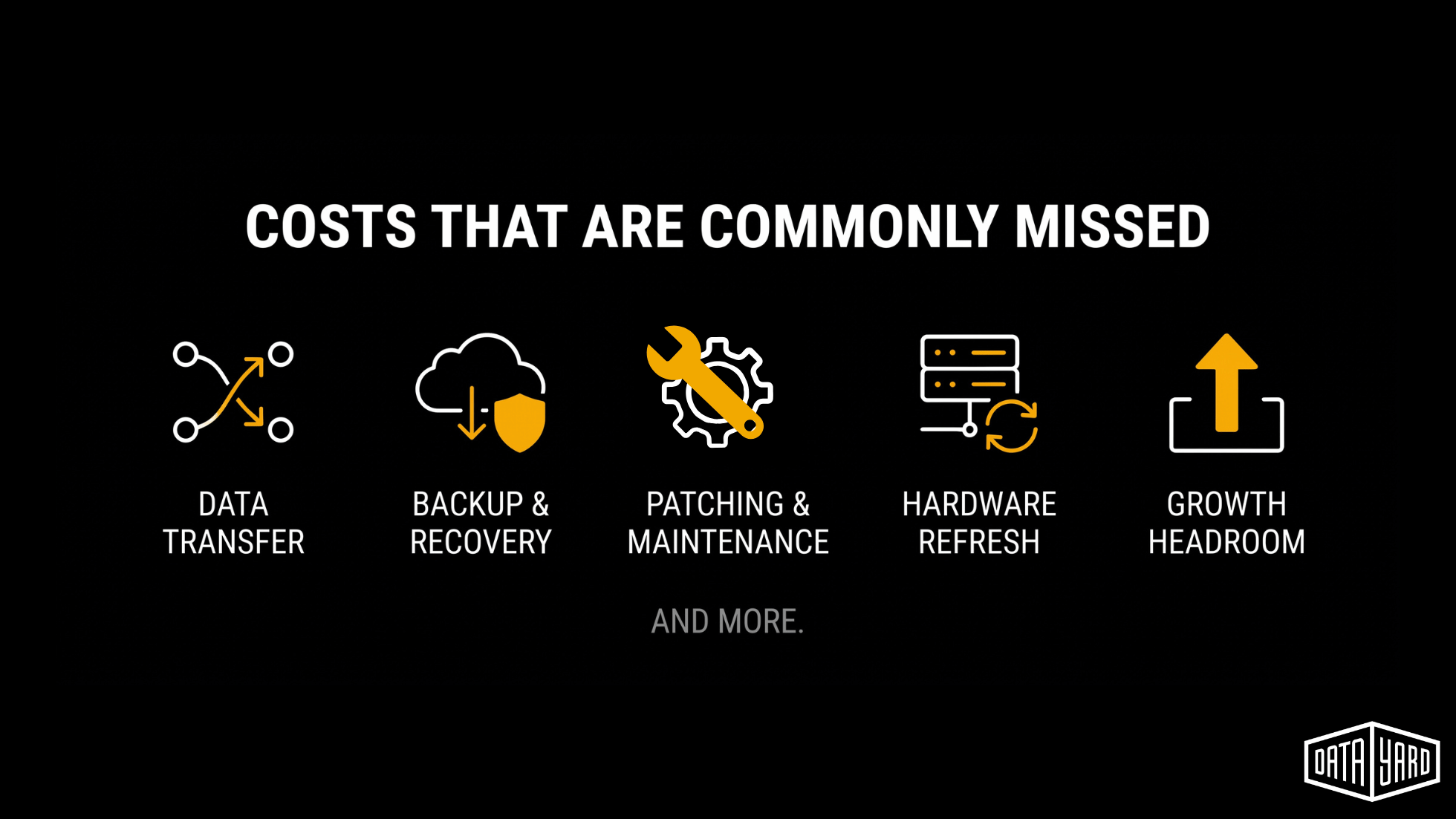
Here are some of the cloud infrastructure costs worth accounting for as you plan for 2027:
| Category | What It Covers | Commonly Missed? |
|---|---|---|
| Compute | Virtual servers, CPU and memory allocation, reserved or dedicated capacity | Sometimes |
| Storage | Primary storage, backup storage, snapshot retention, archive tiers | Often (retention grows quietly) |
| Data Transfer | Egress fees (data leaving a public cloud), inter-region traffic, bandwidth commitments | Very often |
| Backup and Recovery | Backup software, off-site copies, immutable storage, restore testing time, retention configuration | Often |
| Cybersecurity | Next-generation and web application firewalls, endpoint detection and response (EDR), multi-factor authentication (MFA), user awareness training | Sometimes |
| Monitoring and Alerting | Infrastructure monitoring tools, alert routing, and on-call coverage | Often |
| Patching and Maintenance | Operating system and application patching, scheduled maintenance windows, engineering time | Very often (treated as "free" internal labor) |
| Licensing | Operating system, database, virtualization, and application licenses, including what changes when hardware moves | Often |
| Hardware Refresh | Replacement of aging on-prem servers, or the cost of retiring them | Often deferred |
| Support and Management | Managed services, consulting hours, and vendor support contracts | Sometimes |
| Growth Headroom | Capacity for new projects, seasonal traffic, or acquisitions | Often |
If something on that list does not have a number next to it in your current budget, that doesn't necessarily mean it's free. Someone on staff may be absorbing the work, the cost may be included somewhere else, or it may be getting pushed into a future budget.
How Private, Public, and Hybrid Cloud Costs Behave
Where your workloads live also affects how you plan for them.
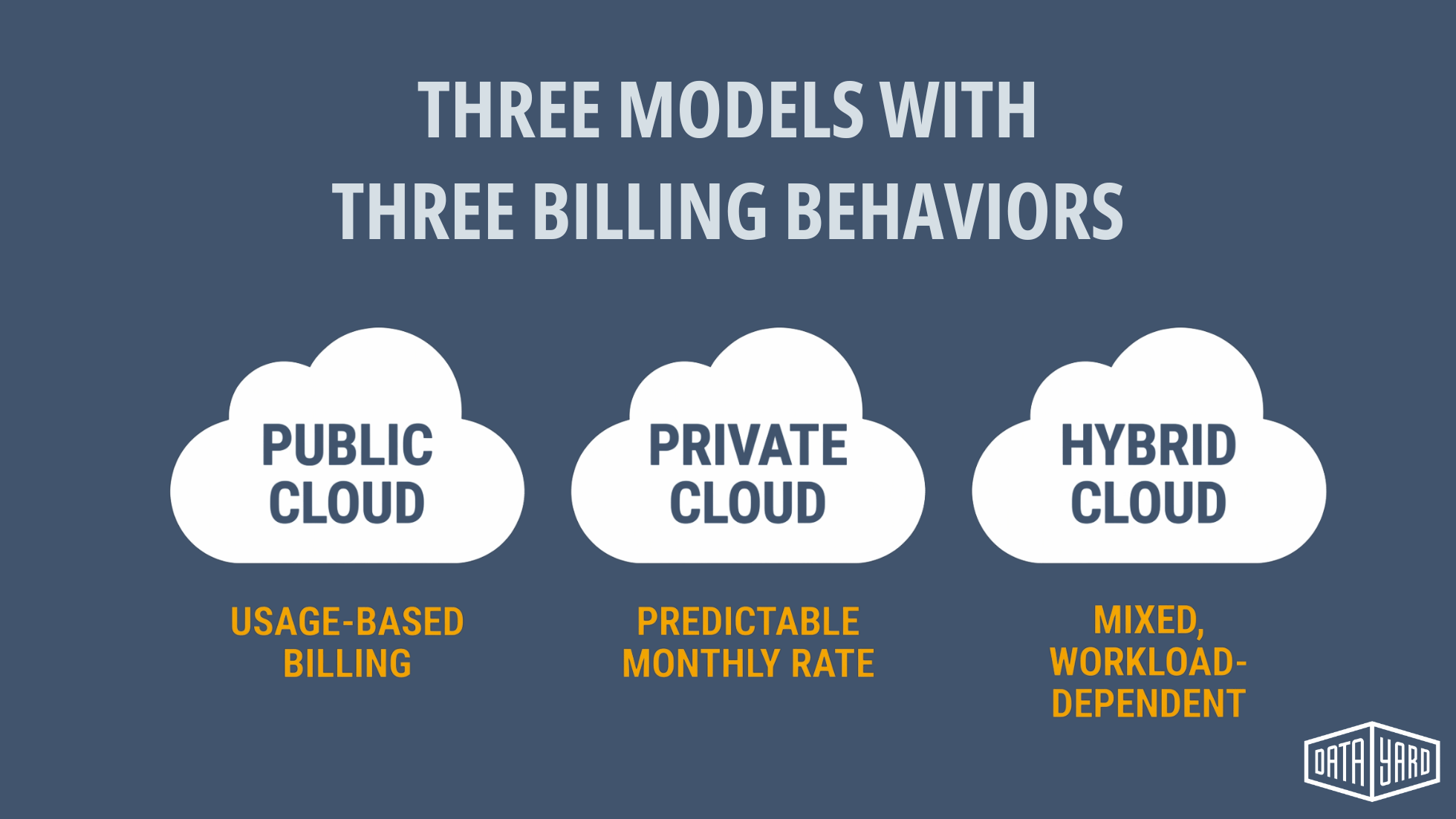
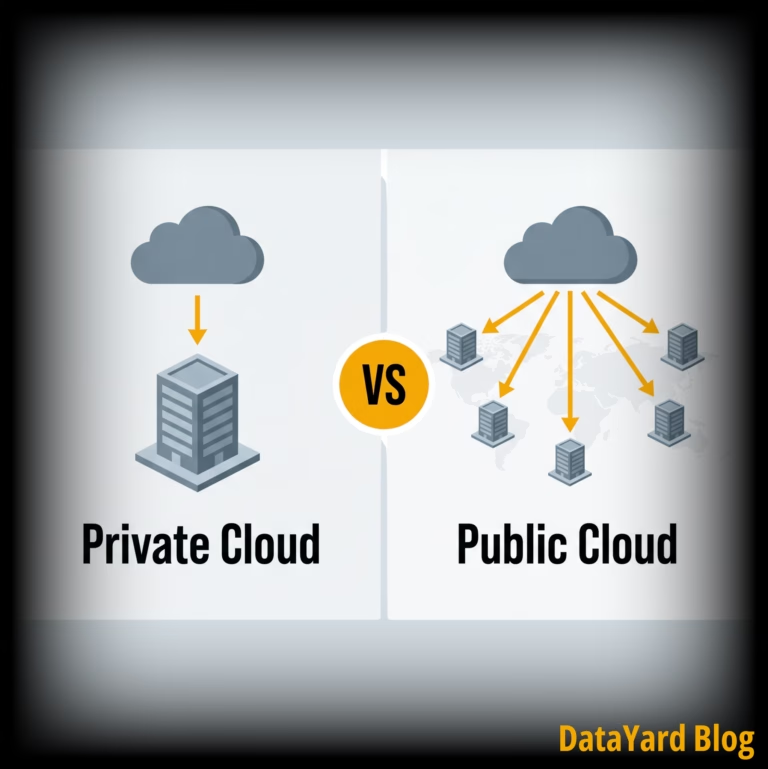
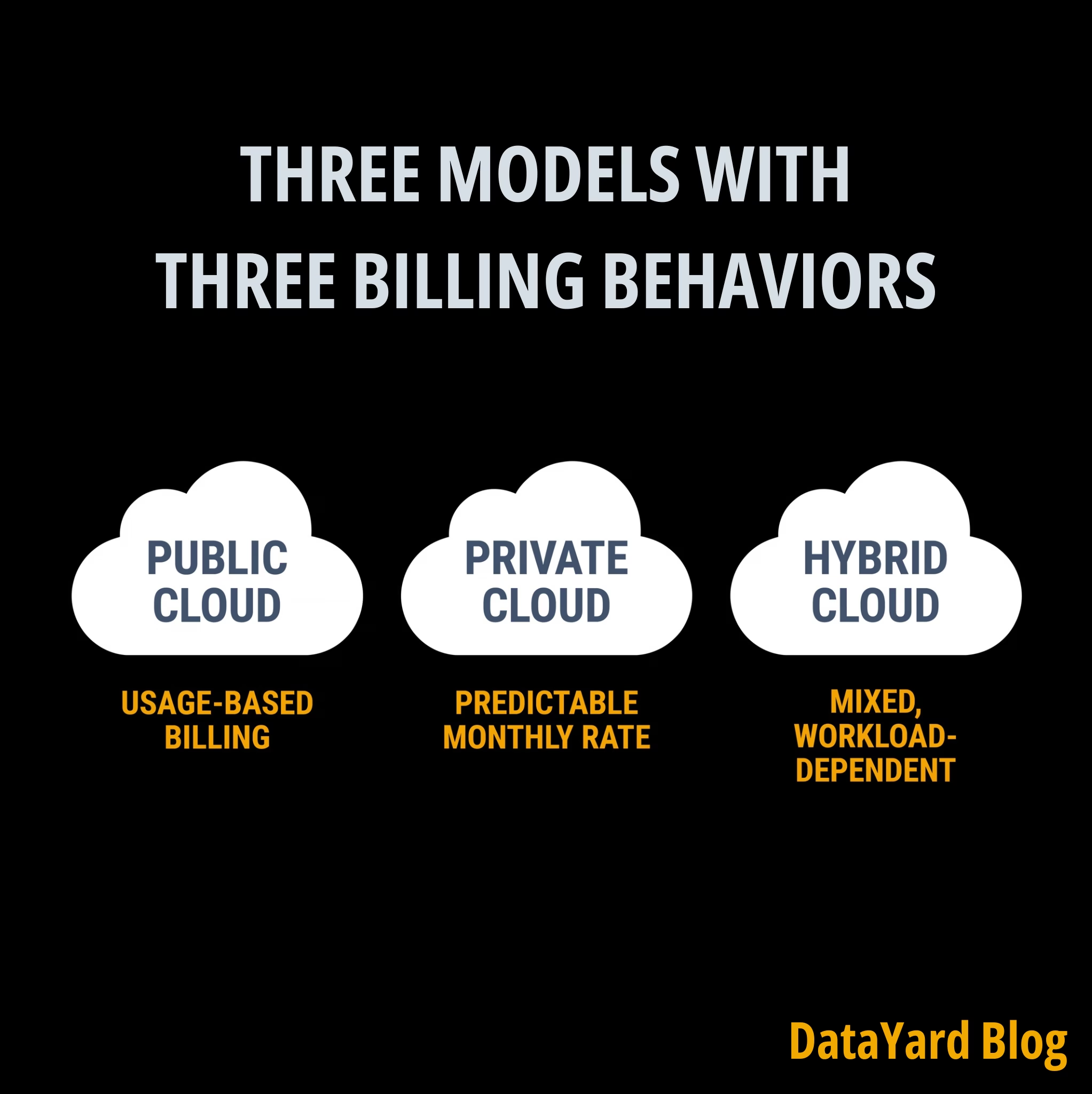
Public cloud, private cloud, and hybrid environments can all make sense for different use cases. The important part in budgeting for them is understanding how you're charged for each, and what can cause that number to change.
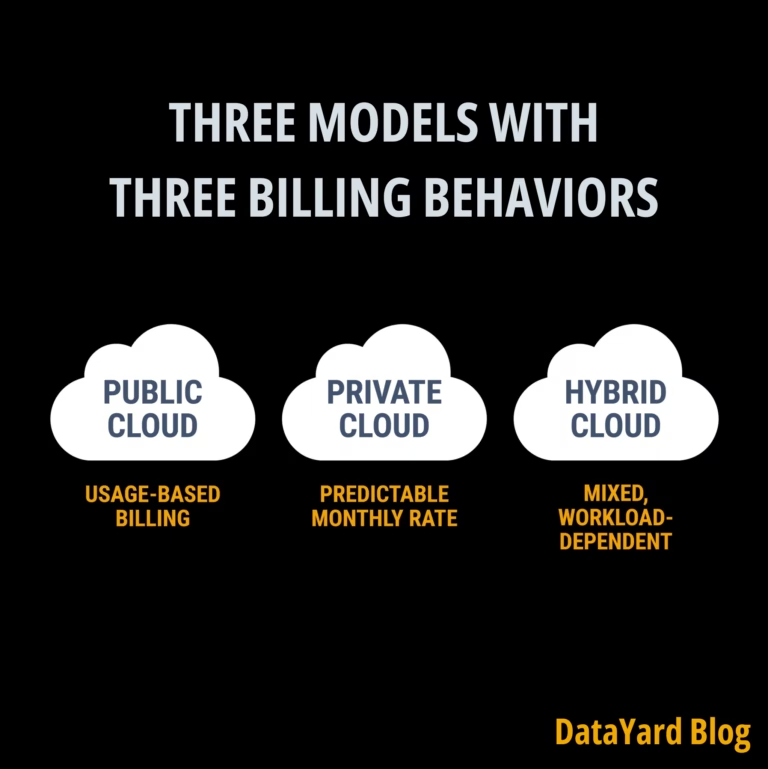
Here's how billing behaves and where costs can change across public cloud, private cloud, and hybrid models.
| Model | How Billing Typically Behaves | Where Costs Can Change | Often Used For |
|---|---|---|---|
| Public Cloud (Amazon AWS, Microsoft Azure, etc.) | Usage-based. Invoices can increase or decrease with traffic, storage growth, and data transfer. | Egress fees, idle instances, storage retention, new services added mid-year, reservation versus no reservation | Variable or experimental workloads, short-lived projects |
| Private Cloud | Dedicated resources are typically billed at a more predictable monthly rate, often with support included. | Resource changes, environment growth, licensing changes | Business-critical applications, steady-state workloads, organizations that need to know where data lives |
| Hybrid | Workloads and services are distributed across more than one environment, such as on-prem infrastructure, private cloud, and public cloud. | Hardware refresh on the on-prem side, cloud usage fluctuations, duplicated tooling across environments | Organizations with a mix of workloads or systems that need to stay local |
The goal isn't to pick one model for everything.
A workload with steady demand may be easier to budget for in a private cloud because capacity and management costs are established in advance. Something temporary or highly variable may make more sense in a public cloud. And for a manufacturer with equipment or latency-sensitive systems on-site, keeping some infrastructure local may still be the practical choice.
That is why understanding the workload comes before comparing prices.
What Should You Think Twice About Cutting?
Finding room in an infrastructure budget does not necessarily mean cutting every line item you can.
Backups, patching, monitoring, cybersecurity, redundancy, and recovery planning may not be the most visible parts of your environment, but each plays a pivotal role in keeping it available and recoverable.
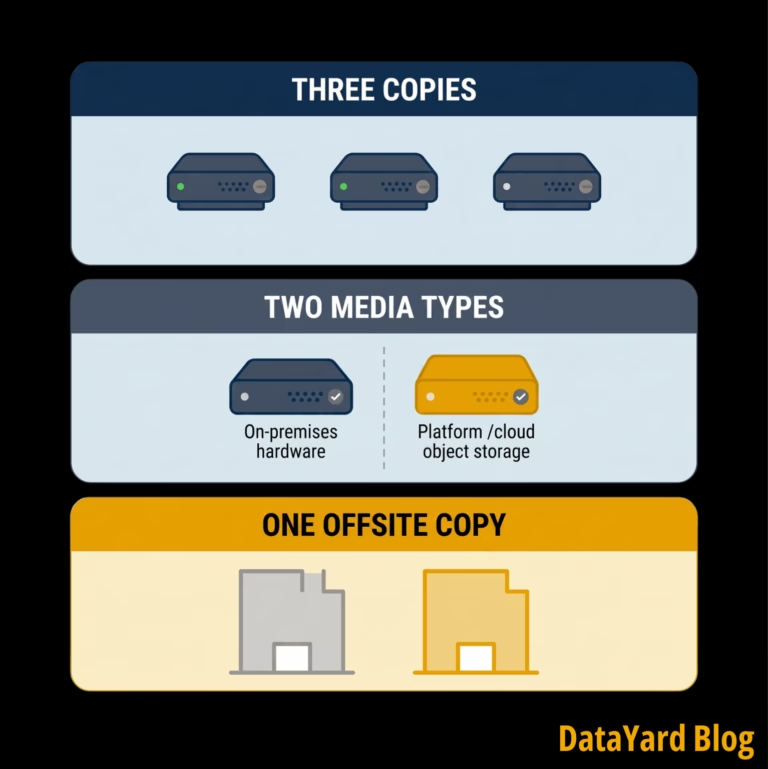
- Backups and restore testing. Having backups is one thing. Knowing you can restore from them is another. Your budget may need to account for off-site copies, storage, retention, immutable backups, and the time it takes to test recovery.
- Patching. Regular patching helps address known vulnerabilities and keep operating systems and applications supported. Whether that work is handled internally or by a provider, it still takes time and resources.
- Monitoring and alerting. Monitoring tools are only one part of the cost. Someone also needs to receive those alerts and know what to do when something needs attention, including after hours.
- Cybersecurity. Firewalls, managed endpoint detection and response (mEDR), multi-factor authentication (MFA), user awareness training, and more all come with ongoing costs that need to be accounted for.
- Redundancy. Business-critical systems may benefit from redundant power, network connectivity, storage, or other infrastructure to reduce the impact of a failure.
- Recovery planning. Recovery Time Objectives (RTOs) and Recovery Point Objectives (RPOs) help define how quickly systems need to be restored and how much data the business can afford to lose. Those requirements affect what you need to budget for.
These are also the areas where looking at cost alone can be misleading. Before cutting something, it helps to understand what that line item is protecting and what would change if it were removed.
Where Your 2027 Infrastructure Budget May Change
Not every increase in next year's budget is unexpected. Some are changes you can see coming now.
- Operating systems and hardware are reaching the end of support. Windows Server 2016 reaches end of support in January 2027. If you still have servers running it, those systems will need a plan. This is a good time to inventory operating system versions alongside the age of your hardware.
- Servers nobody has reviewed. A virtual machine created for an old project, a test environment that became permanent, or a legacy application with only a few users can easily stay on the books undetected. Even a lightly used server carries compute, storage, backup, licensing, and maintenance costs.
- Data transfer fees. If workloads regularly move data out of a public cloud for reporting, backups, integrations, or other uses, that traffic may come with a cost.
- Storage retention. Backups and snapshots accumulate. Without a defined retention policy, storage that made sense when it was created can continue growing year after year when left unchecked.
- AI and experimental workloads. Flexera's 2026 State of the Cloud Report points to growing cloud-based AI workloads as a contributor to increased wasted cloud spend. If your team is testing AI tools or services, it may be worth accounting for that experimentation separately from your production environment.
The point is not to predict every infrastructure expense you'll have in 2027. It is to know which parts of your environment deserve another look before this year's numbers become next year's budget.
Make 2027 Planning Easier: Join Us on October 20th
Knowing what belongs in your budget is one thing. Figuring out what you can change without creating a new problem is another.
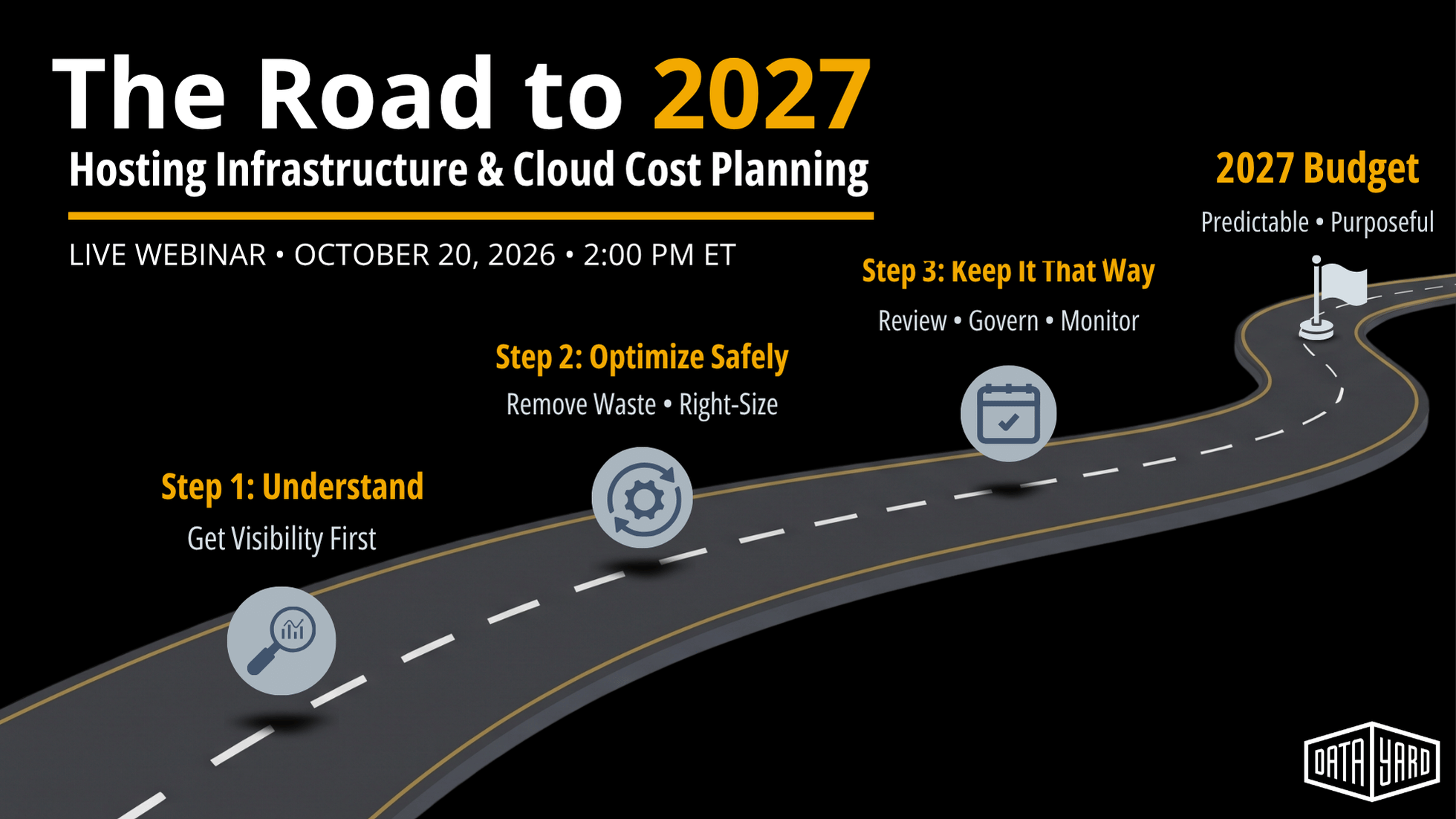
That's what we'll dig into during our upcoming free webinar, The Road to 2027: Infrastructure and Cloud Cost Planning.
Natalie Mezera, DataYard's Director of Client Partnerships, will walk through a practical framework for reviewing your current infrastructure costs and identifying areas that deserve another look.
You'll leave with a three-phase planning framework and six questions you can use during your own 2027 budget review.
- When
- Tuesday, October 20 at 2:00 PM ET
- Length
- 45 minutes on Zoom, including Q&A
- Cost
- Registration is free
Frequently Asked Questions: Cloud Budget Planning
What Should a Cloud Budget Include?
At minimum, account for compute, storage, data transfer, backup and recovery, cybersecurity, monitoring and alerting, patching and maintenance, licensing, hardware refreshes for any on-prem systems, ongoing support, and room for growth. Some of those costs may appear directly on an invoice, while others may be handled internally.
Is a Private Cloud Cheaper Than a Public Cloud?
It depends on the workload and use case. Private cloud pricing can provide more predictable month-to-month costs for steady workloads. Public cloud can make sense for short-lived, highly variable, or rapidly scaling workloads. The right fit depends on how the workload behaves and what the business needs from it.
How Do I Budget for a Hybrid Environment?
Make sure you are accounting for each part of the environment. On-prem infrastructure may still carry hardware, power, licensing, and maintenance costs, while cloud resources have their own service and usage costs. Having already purchased the on-prem hardware does not mean there are no ongoing costs.
What Is the Most Common Cloud Budget Mistake?
Planning next year's budget with last year's invoice, without looking at what is actually needed today. Environments change throughout the year, and the infrastructure you deployed twelve months ago may not match what you need now.
When Should 2027 Cloud Budget Planning Start?
Before your existing infrastructure decisions become automatic renewals. Hardware replacements, operating system changes, migrations, and other infrastructure projects can take time, so starting earlier gives you more options.
Related pages: Cloud Management | Cybersecurity | Data Backup & Recovery