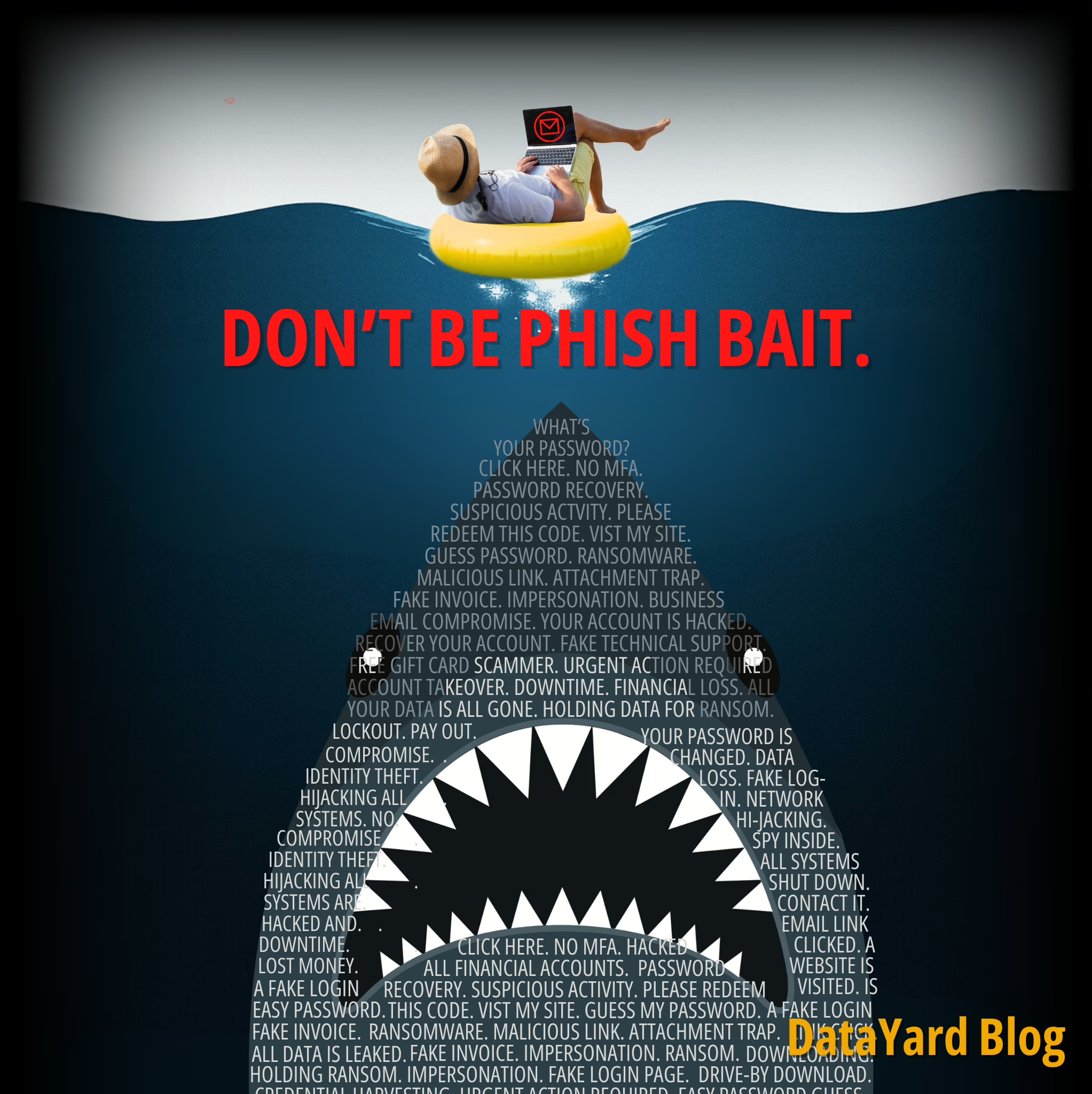
What Is a Phishing Email?
A phishing email is a deceptive message crafted to trick recipients into revealing personal or confidential information, such as login credentials, bank account details, or access to internal systems, by impersonating a trusted individual or organization. These emails often link to fake websites or include malicious attachments designed to steal information or deploy malware.
Microsoft describes phishing as a criminal posing as a trusted person or company and asking the recipient to click a link, open an attachment, or hand over personal details so that valuable information can be stolen.
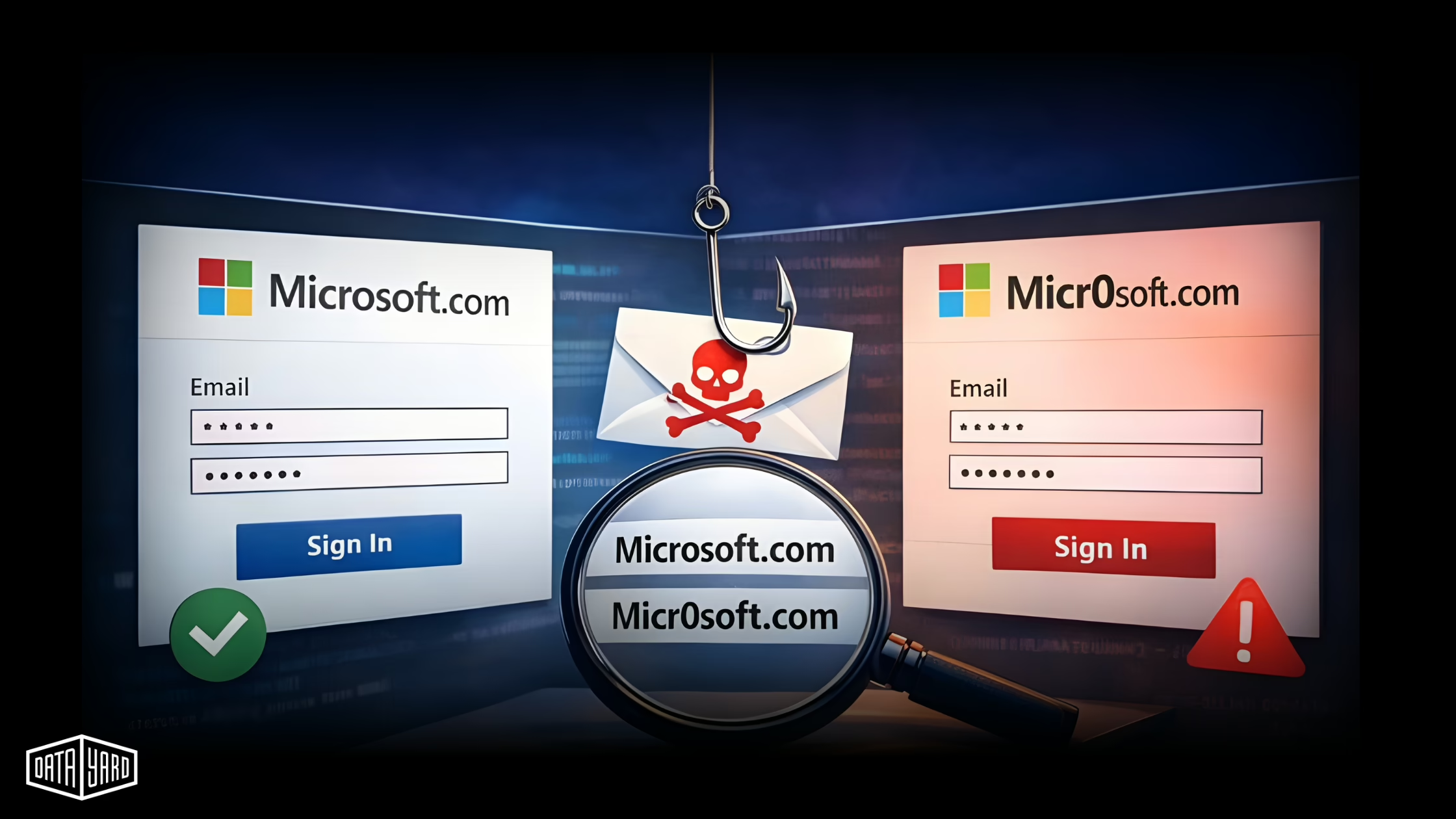
Phishing messages frequently impersonate brands or individuals by using similar-looking logos, email addresses, and login pages. For instance, replacing “o” with a zero to send from micr0soft.com instead of microsoft.com. That single character can be the difference between business as usual and business interrupted.
Why Phishing Emails Remain a Top Threat
Phishing continues to dominate as the most effective and most frequently used method of launching cyberattacks. Why? Because it targets people, not just systems. Even companies with robust technical defenses are still vulnerable to a well-crafted phishing attempt that convinces an employee to click or respond.
As Kevin Underhill at eSecurity Planet points out, a compromised personal account gives an attacker a path into corporate systems through synced passwords or shared devices.
Key Trends You Need to Know
- Phishing is the most common initial attack vector. Industry incident reports from the Anti-Phishing Working Group (APWG) consistently identify phishing as the leading entry point for cybercrime.
- AI is making phishing harder to spot. Roughly 83% of phishing emails now use AI-generated language and personalization to mimic real communications, according to KnowBe4 (see Sources below).
- Volume is surging. Over 1 million phishing attacks were reported in a single quarter by APWG in early 2025, a record high.
- Email is still the primary delivery method. Malicious links and attachments continue to arrive through inboxes, which means defenses must cover both email gateways and endpoints.
- Human error remains the weak link. Clicking a link, downloading a file, or entering credentials on a spoofed site are still among the most common root causes of breaches (PhishingBox, see Sources below).
For businesses, the takeaway is clear: even if your technology stack is solid, phishing can bypass it with one convincing message to you or an employee. When it does, the cost can be significant: lost data, wire fraud, ransomware, or downtime.
How to Identify a Phishing Email
Phishing emails may look more convincing than ever, but most still rely on the same basic tricks. Even as scammers adopt AI and more sophisticated designs, there are still common red flags that give them away, if you know what to look for. Whether you’re scanning your inbox or training your team, spotting these cues early can make the difference between staying secure and falling into a trap.
Here’s what to look for, according to Microsoft:
- Spelling and grammar mistakes. Messages may contain typos or awkward phrasing (e.g., “recieve” instead of “receive”). While AI has improved grammar, many attacks still contain errors.
- Generic greetings. Phishing emails often use vague introductions like “Dear Customer” instead of your actual name.
- Spoofed or mismatched sender addresses. The name might look correct, but the email address tells a different story, like [email protected]. Check the sender’s email address every time.
- Unfamiliar links or attachments. Unsolicited invoices, ZIP files, or links requesting login credentials are common tricks.
- Urgency or fear tactics. Subject lines like “Immediate Action Required” or “Your account is about to be deactivated” are designed to rush your decision-making.
Inspect links by hovering before clicking, and if anything seems off, verify the message using a trusted contact method, not by replying to the email. Many organizations now provide a “report phishing” button. Use it when in doubt.
3 Common Types of Phishing Attacks
Phishing comes in several forms. Training your team to recognize these tactics is a major step toward preventing breaches.
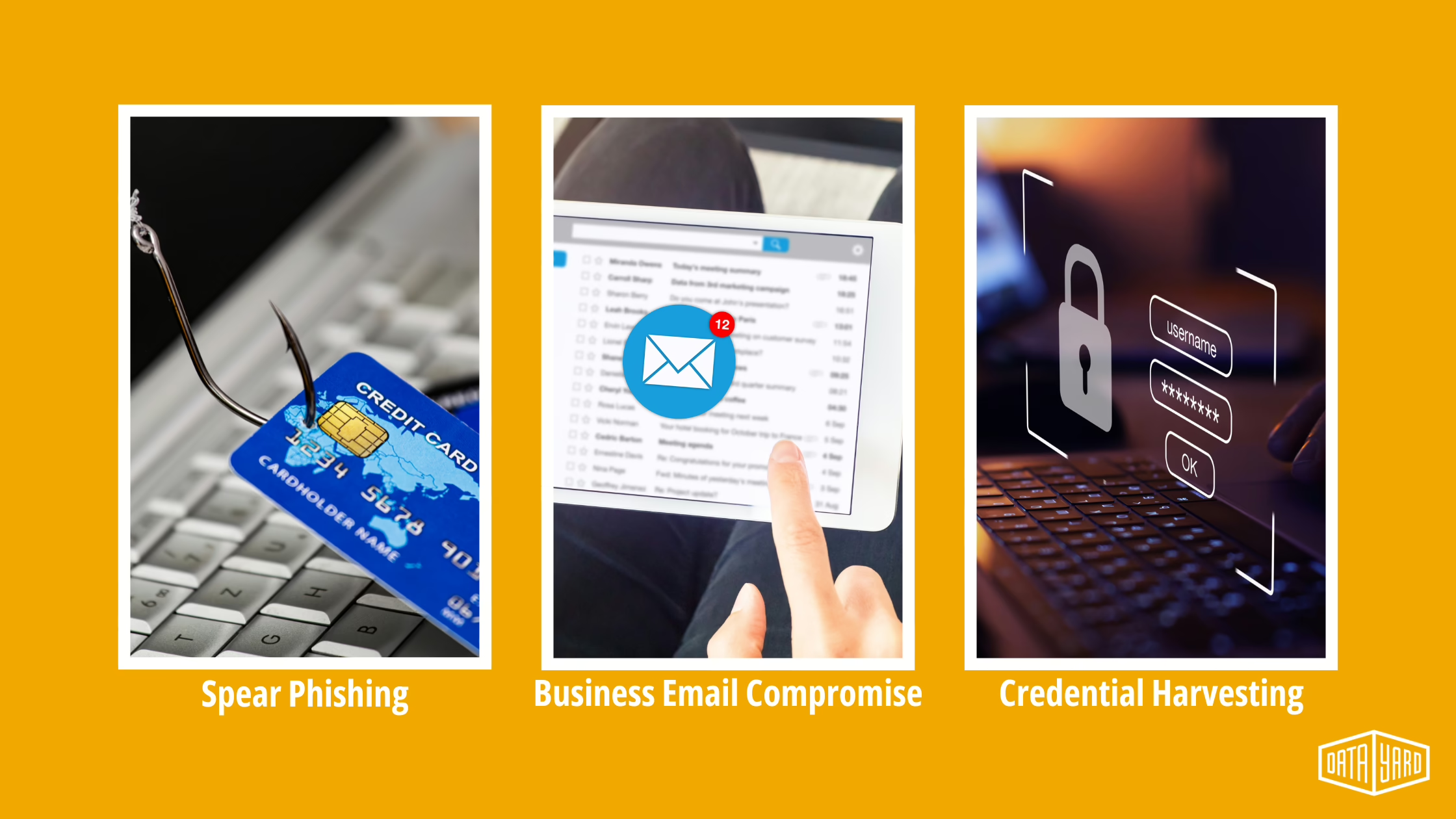
1. Spear Phishing
Targeted emails that impersonate someone the recipient knows (a manager, partner, or vendor).
Example: a message from your “CFO” requesting an urgent wire transfer. Verify payment requests through a second channel, like a phone call to their known number or a face-to-face conversation.
2. Business Email Compromise (BEC)
Fraudulent messages that appear to come from trusted vendors, customers, or leadership.
Example: an invoice from a vendor with new bank account details. Before transferring funds, confirm the request with a known contact.
3. Credential Harvesting
Links to fake login pages (often Microsoft 365 or Google) that collect usernames and passwords.
Example: a “security alert” with a link to a login page that looks real, until you check the URL. Go to the site directly instead of clicking the included links.
What to Do If You Receive a Phishing Email
Here’s what to do if you receive a suspicious phishing email:
- Do not interact with it. Don’t click, download, or reply.
- Inspect the sender’s address and included links. Hover over the text to preview URLs.
- Report it. Use your email client’s phishing report button or forward it to your internal security team.
- Notify CISA. Some organizations also recommend forwarding phishing messages to CISA’s phishing reporting address.
- Preserve forensics. If instructed, forward the full message with headers included so your IT team can investigate.
- Delete it. Once reported, remove it from your inbox to avoid accidental interaction later.
What If You Clicked a Phishing Email?
If you clicked a link or submitted information on a suspicious site, don’t panic, but act fast.
- Document what happened. Note the time, the email, the link you clicked, and what you entered.
- Change passwords immediately. Especially if the same password is used across multiple accounts.
- Enable MFA. Multi-Factor Authentication (MFA) helps prevent account takeovers, even if credentials were stolen.
- Alert your IT team. Include a clear summary of what occurred (e.g., “Clicked link at 10:12 AM, entered credentials, link was [URL]”).
- Notify your bank and the FTC. If personal or financial information was exposed, report the incident to prevent further fraud.
Your Multi-Layered Phishing Defense Plan
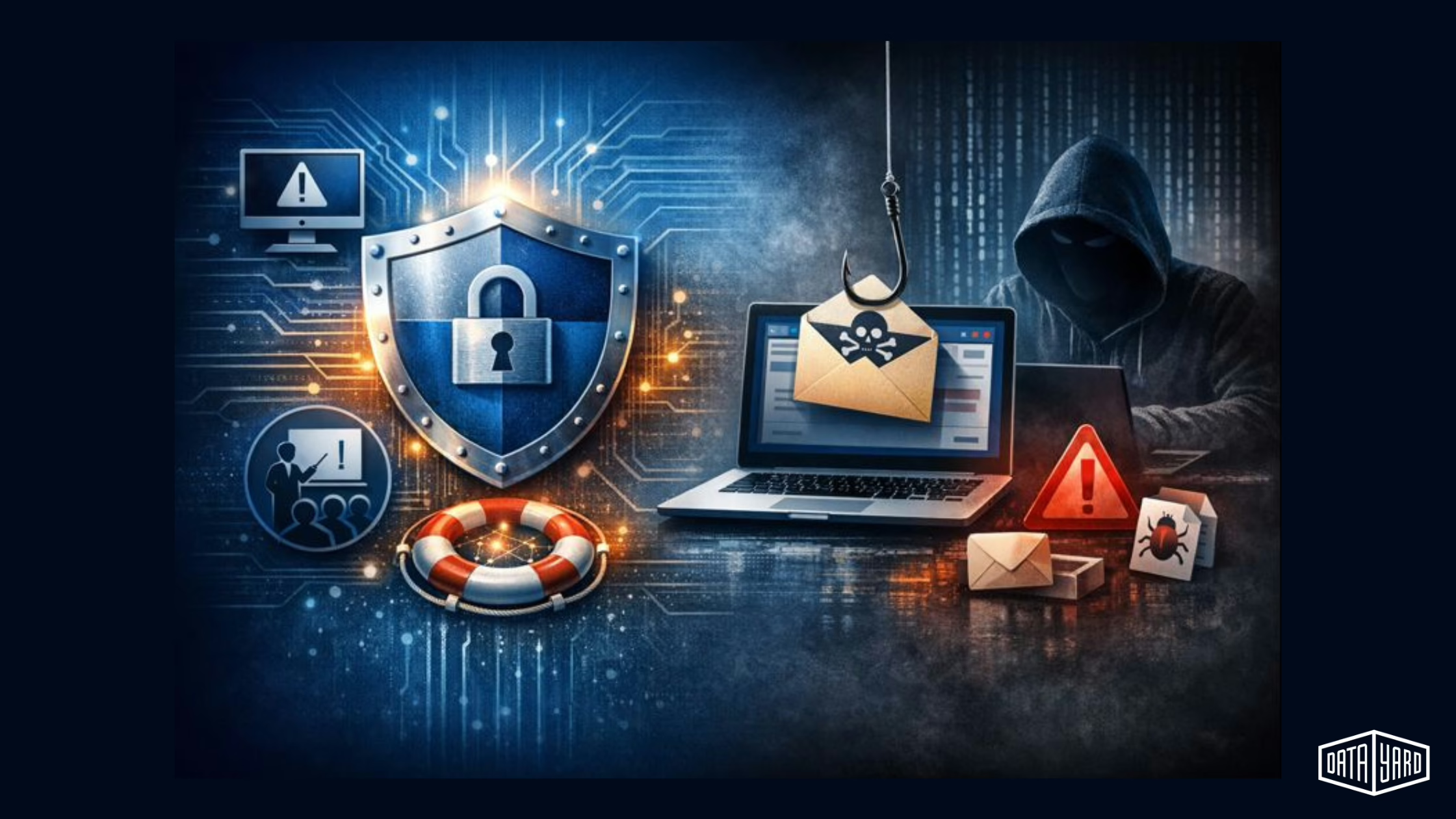
No single tool can block every phishing attack. A layered approach, combining technology, training, and response, is the most effective way to reduce risk.
1. Advanced Email Filtering
- Deploy email gateways that block known phishing domains, sandbox suspicious links, and enforce SPF/DKIM/DMARC to detect spoofed senders.
- Track success metrics: emails blocked, false positives, time-to-quarantine, etc.
2. Multi-Factor Authentication (MFA)
- Even if credentials are stolen, MFA can help prevent many account takeovers by only allowing access after a single-use code is delivered to another device (cell phone, physical token, etc.).
- Best practices: require MFA for any and all logins that support it, and favor app-based tokens over SMS when possible.
3. Endpoint Detection and Response (EDR)
- EDR identifies threats that slip past email filters. It can detect some post-click behaviors (like malware), help isolate infected endpoints (laptops, computers, and/or servers), and provide forensic details.
- At DataYard, we partner with Huntress to deliver EDR that adds another critical layer of defense, especially for businesses that need real-time visibility and automated security response without building a full in-house security team.
4. Employee Awareness Training
- People are the final line of defense. Training should be regular and realistic.
- Simulate phishing campaigns, teach how to report suspicious messages, and reinforce verification processes, especially for financial and account-change requests.
5. Incident Response Playbooks
Every company should have a documented response plan that includes:
- Isolation protocols for compromised endpoints
- Role-based notification procedures (IT, legal, execs, affected clients, etc.)
- Forensic collection guidance (EDR telemetry, email headers, etc.)
- Communication templates for breach notifications
Regularly test the plan with tabletop exercises to ensure clarity under pressure.
Questions to Ask Your IT Team or Vendor
Use these to evaluate your current posture:
- How do we detect AI-generated phishing messages?
- Does our EDR solution automate containment of an infected device?
- Do we require MFA wherever possible, and how is it enforced?
- How often do we run phishing simulations, and how are results tracked?
- Do we have other phishing training materials available to staff?
- What’s our step-by-step plan if someone clicks a phishing link today?
Even if your answers aren’t perfect today, asking the right questions is how you get ahead of tomorrow’s risks. These conversations help reveal where your defenses are solid and where there’s room to tighten things up. If you’re unsure about what’s covered (or not) in your current setup, our team is happy to help flag blind spots with a free RISE Foundations Assessment. No pressure, just insight.
Let’s make security one less thing you have to worry about.
The Bottom Line When Dealing With Phishing Emails
Phishing email attacks remain one of the most successful and preventable ways cybercriminals breach business systems. As threats grow more sophisticated with AI and social engineering, prevention alone isn’t enough.
A layered defense strategy (EDR, MFA, user training, filtering, and rapid response) can reduce the impact of human error and prevent one message from becoming a million-dollar mistake.
Frequently Asked Questions
What is a phishing email?
A phishing email is a deceptive message that impersonates a trusted person or organization to trick the recipient into revealing credentials, financial details, or system access, often through a fake login page or a malicious attachment.
What are the most common signs of a phishing email?
Spelling and grammar mistakes, generic greetings, spoofed or mismatched sender addresses, unexpected links or attachments, and urgent or fear-based language are the most common red flags.
What should I do if I clicked a phishing link?
Document what happened, change your passwords immediately, enable multi-factor authentication, alert your IT team with a clear summary, and notify your bank and the FTC if personal or financial information was exposed.
Does EDR stop phishing?
Not on its own. EDR catches threats that get past email filters by detecting post-click behavior, isolating infected endpoints, and providing forensic detail. It works best alongside email filtering, MFA, employee training, and a tested response plan.